EPUB editor for iPhone, iPad & Mac
Turn your words
into an ebook.
Create a book, edit an EPUB, or turn a scanned PDF into editable text. Take it from first draft to Apple Books, Kindle or Kobo — all in EpubCraft.
One-time purchase. No subscription.
See your local price on the App Store.
On a PC? Explore EpubCraft for Windows — download & OCR trial.
- Scan to text with on-device OCR
- Edit offline, without an account
- Export for Apple Books, Kindle & Kobo
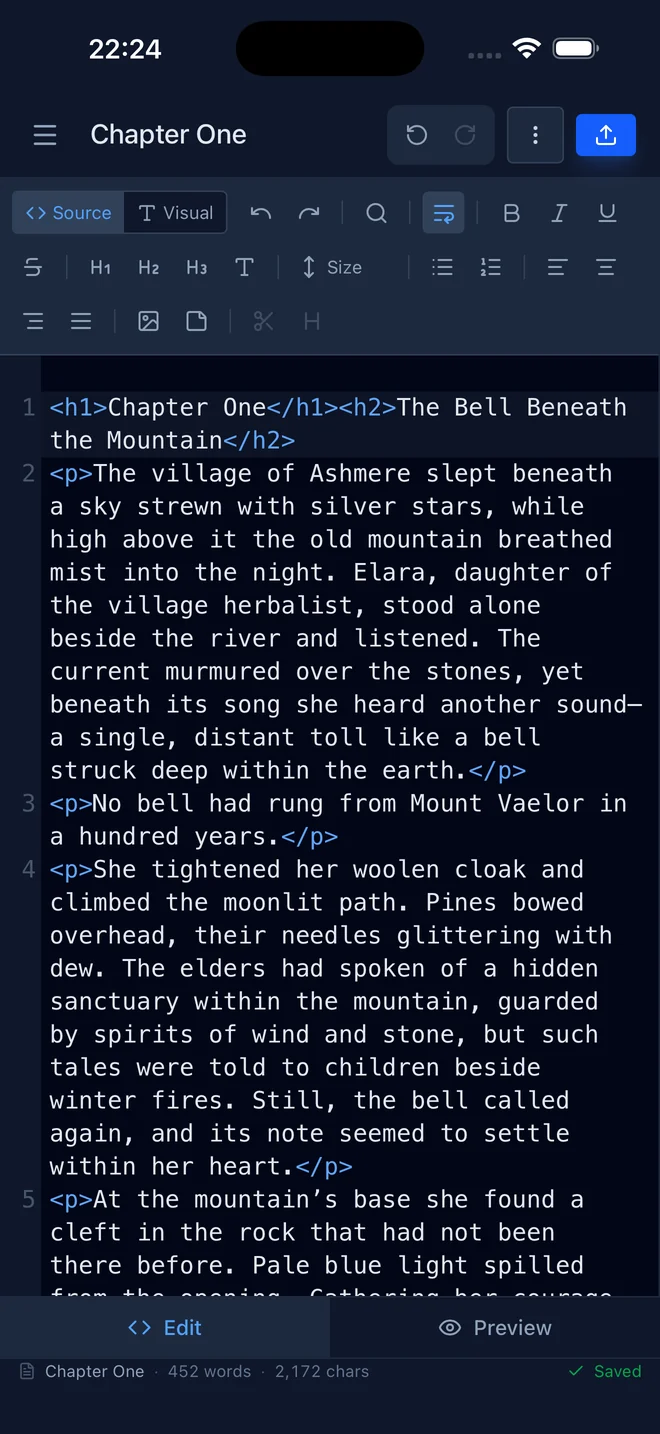
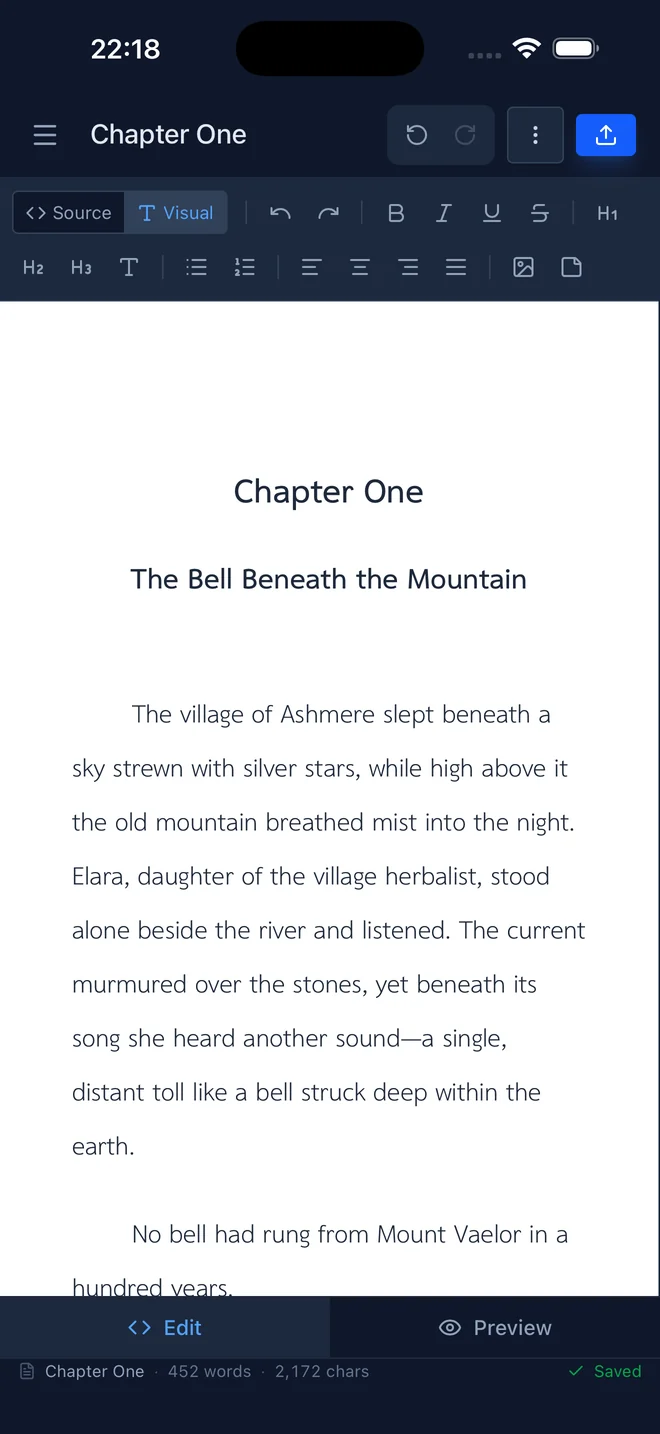
Real app. Your choice of editor.
From scanned page to living text
On Mac, iPhone and iPad, OCR Studio reads scanned PDFs with Apple Vision — then rebuilds it as clean, editable chapters. Made for real books, including Thai ones.
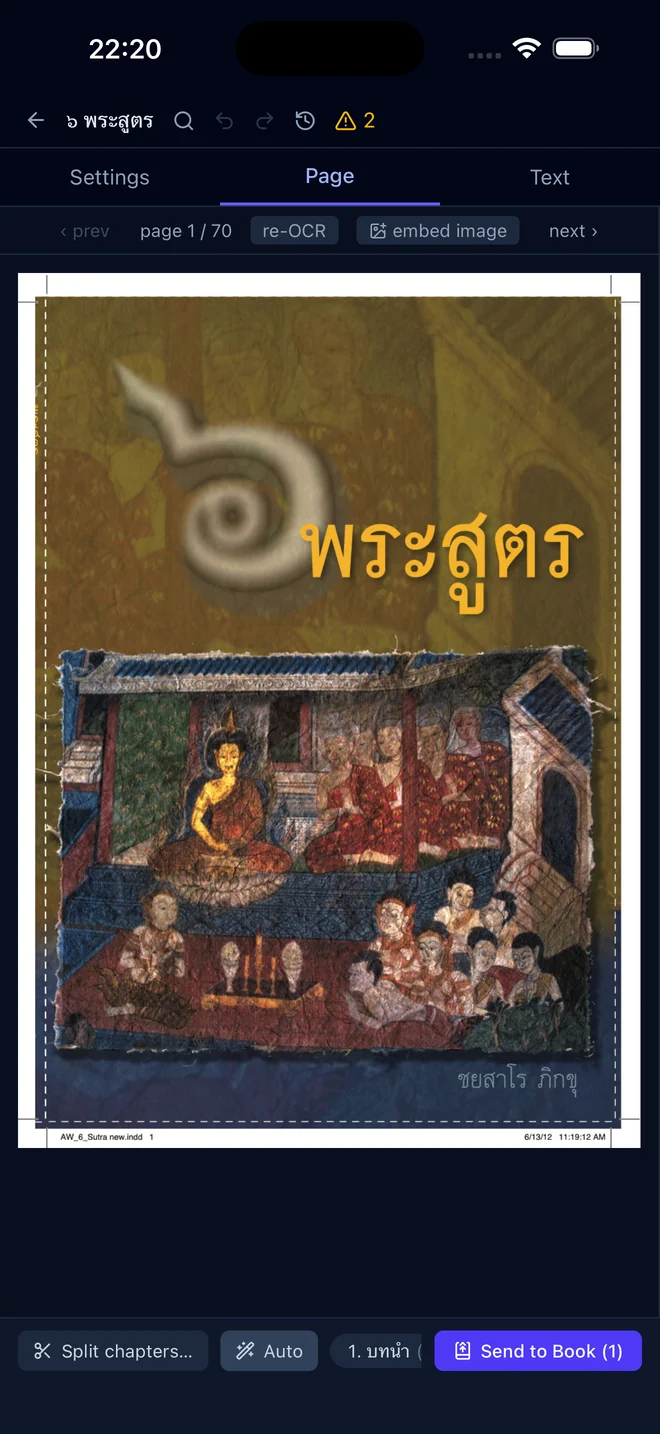
- ✓Thai-aware pipeline. Joins no-space Thai lines, stitches paragraphs across pages, and keeps your prose in one piece.
- ✓Header & footer filtering. Repeated page numbers and running titles are detected and removed automatically.
- ✓Chapter detection. Split a 700-page scan into chapters, then send them straight into your book.
- ✓Scan Studio. Photograph pages with your iPhone — perspective fix, gutter split, and de-warp turn photos into clean pages.
OCR is included in the Apple app. Scan on iPhone or iPad; import scans on Mac. Windows has separate OCR setup and licensing.
Download on App StoreOne book, every reader
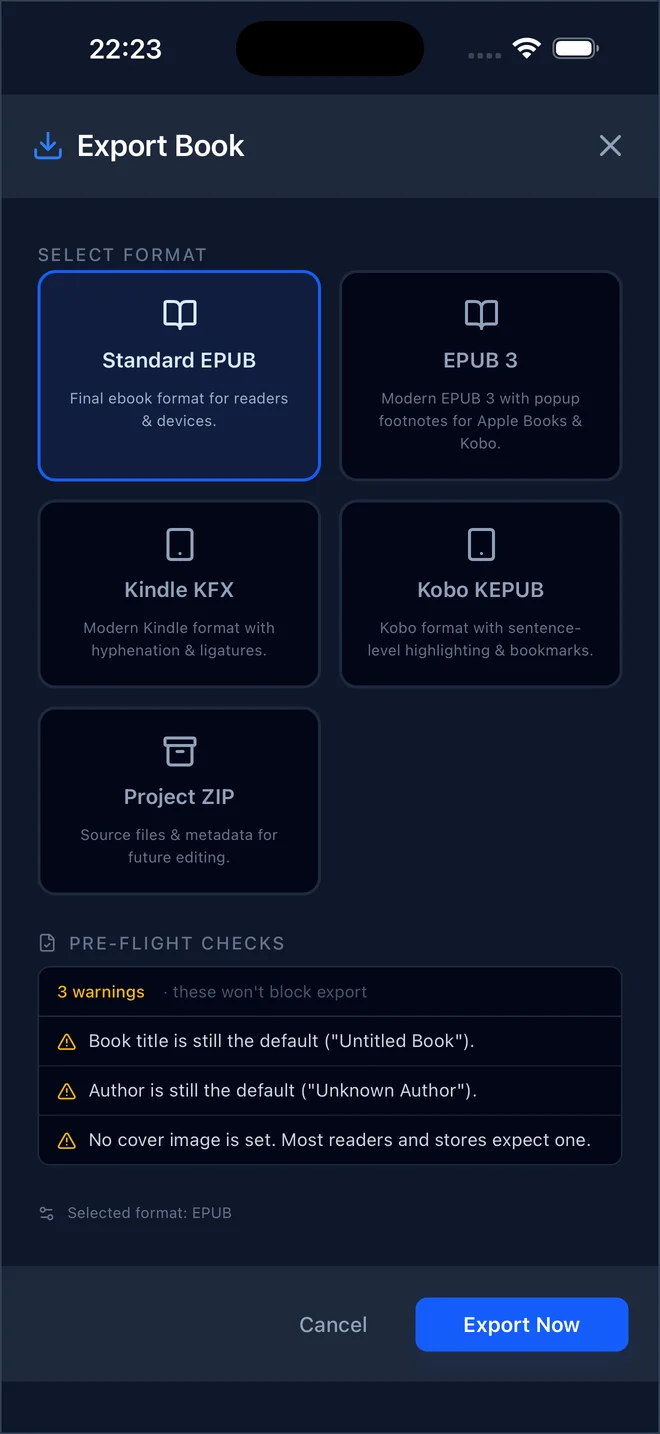
The same formats you see in the app's export sheet — built entirely on your device, validated before they ever reach a store or a reader.
Standard EPUB
Final ebook format for readers & devices.
EPUB 3
Modern EPUB 3 with popup footnotes for Apple Books & Kobo.
Kindle KFX
Modern Kindle format with hyphenation & ligatures.
Kobo KEPUB
Kobo format with sentence-level highlighting & bookmarks.
Project ZIP
Source files & metadata for future editing — a full round-trip backup.
Pre-flight checks before every export. Markup lint, broken-anchor detection, and a full EPUB package validation run automatically — problems are caught before your readers see them.
Your book, your typography
A book-wide stylesheet with live preview, reusable CSS templates, and embedded fonts — so every chapter opens looking exactly the way you designed it.
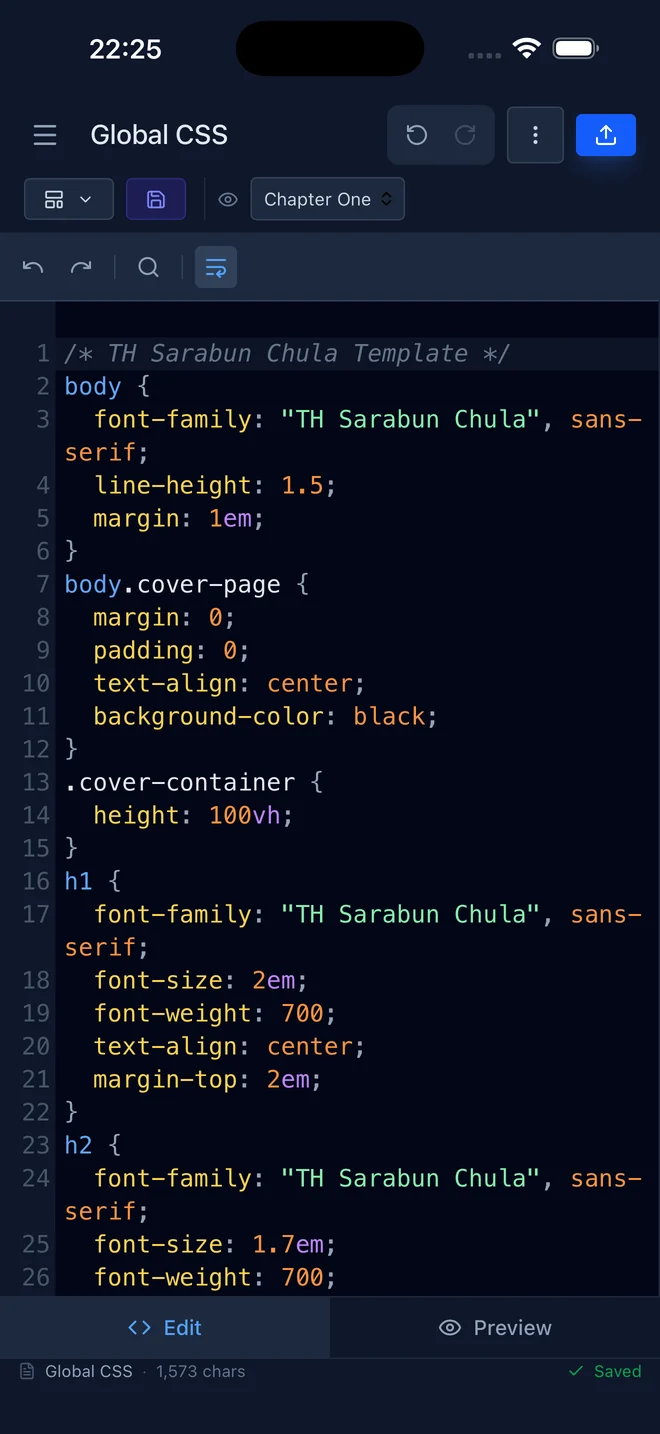
- ✓Global CSS with live preview. Edit the stylesheet and watch any chapter re-render beside it.
- ✓Reusable templates. Save your house style once — every new book and chapter starts from it.
- ✓Embedded fonts. Bundle typefaces into the EPUB so your design survives every reading app.
The rest of the toolbox
Merge EPUBs
Combine multiple books into one — chapters, images, and links are renamed and rewired automatically.
Book-wide search & replace
Regex-capable find and replace across every chapter, with saved patterns for the fixes you make often.
Footnotes that pop
Template-driven footnotes, including EPUB 3 popup footnotes for Apple Books and Kobo.
Lint & validation
Unclosed tags, broken anchors, duplicate ids — found while you write, with one click jumping to the exact spot.
Import almost anything
EPUB, DOCX, Markdown, plain text, or a Project ZIP — EpubCraft turns it into clean chapters.
Private by design
No account, no cloud, no upload. Your manuscripts are processed and stored on your own device.
More than an editor. Your offline book studio.
Get OCR Studio, camera scanning on iPhone and iPad, and offline editing in the app. One-time purchase, no subscription, no account to create.
| feature | web | Apple app |
|---|---|---|
| EPUB 2.0.2 & EPUB 3.0 export | ✓ | ✓ |
| KFX (Kindle) & KEPUB (Kobo) export | ✓ | ✓ |
| Merge EPUBs, CSS templates, saved RegEx | ✓ | ✓ |
| Visual + source editing, footnotes, lint | ✓ | ✓ |
| OCR Studio — scanned PDF to editable text | — | ✓ |
| Scan Studio — photograph to clean pages1 | — | ✓ |
| Open .epub straight from the file manager2 | — | ✓ |
| Choose where files save (native dialog) | — | ✓ |
| Works offline after install | — | ✓ |
1 Camera capture on iPhone & iPad; Mac imports existing photos. 2 Mac only.
Questions, answered
Is the app free, or is it a subscription?
The Mac, iPhone and iPad app is a one-time App Store purchase, not a subscription. Check the App Store for the current price in your region before purchasing. OCR Studio, Scan Studio and offline editing are included. The Windows edition has a separate license and OCR trial; Apple purchases are unchanged.
Can I use it on my iPhone, iPad or Mac?
Yes. EpubCraft is available for iPhone, iPad and Mac. The App Store lists the current system requirements and compatibility for your device. Camera capture is available on iPhone and iPad; on Mac, import existing photos or scanned PDFs.
Where are my files stored?
On your device. Parsing, editing, OCR, and export run locally; your documents are not uploaded for processing. The optional Thai word-segmentation helper sends text to an online tokenizer. No account is required. The separate Windows edition uses an online service for its OCR trial and license activation: it receives a pseudonymous installation hash and operation/activation records, not document files. Stripe handles Windows payments.
What can I import?
EPUB, DOCX, Markdown, plain text, and EpubCraft Project ZIP backups. Imported EPUBs round-trip cleanly — internal links keep working after you edit and re-export.
Does OCR work with Thai books?
Yes — it's a first-class use case. On Mac, iPhone and iPad, OCR Studio uses Apple Vision and adds a Thai-aware pipeline: no-space line joining, cross-page paragraph stitching, and repeated header/footer removal. It works with languages Apple Vision recognizes. The Windows edition uses separately obtained OneOCR files and has its own trial and license. OCR is not available in the web app.
Can it make Kindle and Kobo books?
Yes. Kindle KFX and Kobo KEPUB export run the full EPUB pipeline, then convert on your device — no command-line tools, no online converter.
Is the web version free?
Yes — the web app at epubcraft.pages.dev is free to use in any modern browser. The native app for Mac, iPhone, and iPad is on the App Store; it adds OCR Studio, Scan Studio, offline use, and native file handling.
Start your next book today
Create, scan and edit on iPhone, iPad or Mac. Export an ebook you can read in Apple Books, Kindle or Kobo.
One-time purchase. No subscription. Local pricing on the App Store.